Comparisons
IPTV Terms Explained: A Plain-English Glossary for Canadian Viewers
IPTV terms explained in plain English: connections, M3U, Xtream Codes, EPG, catch-up, bitrate, regional feeds and more, with the terms people mix up compared.
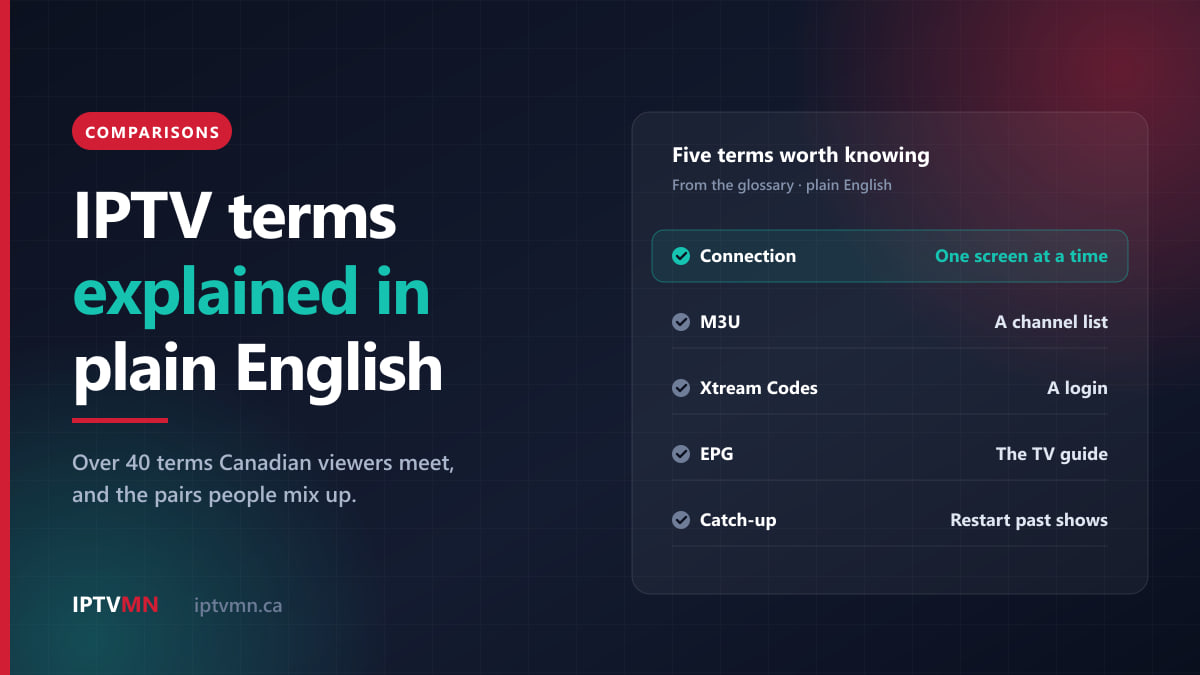
Most IPTV terms are simpler than they sound. Explained in plain English: a connection is one screen watching at a time, an M3U is a list of channels, Xtream Codes is a login that brings the channels, guide and library together, the EPG is the TV guide, and catch-up lets you restart a programme that already began. This glossary explains every IPTV term you are likely to meet in Canada, in plain English, with the confusing pairs compared side by side.
It is written for people who want to watch television, not for engineers. Each entry says what the term means, why it matters to you, and where to read more. If you are new to the whole idea, start with our explainer on what IPTV is, then come back here when a word in an app, an email or a support chat stops you.
The short answer
- IPTV is live television delivered over your internet connection to an app, instead of a cable line or a satellite dish.
- A connection is one screen playing at a time. You can install the app on as many devices as you like.
- M3U and Xtream Codes are two ways of loading the channels into an app. Xtream Codes also brings the guide and the on-demand library.
- EPG means the TV guide. Catch-up means going back to programmes that already aired.
- Mbps measures internet speed. Roughly 15 to 20 Mbps per screen is enough for Full HD.
- Regional feed and blackout explain why the same game can be on one channel in Vancouver and another in Toronto.
Service and account terms
IPTV (Internet Protocol Television). Television channels sent over the internet instead of through a cable line or a satellite dish. The channels arrive in an app on your TV, streaming stick, computer or tablet. The technology is the same one Canadian carriers use for their own TV products.
IPTV service or provider. The company that supplies access to the channels and runs the servers they come from. When people compare IPTV services, they are comparing these providers on channels, reliability, support and price. Our page on the best IPTV in Canada sets out what to compare.
Subscription. What you pay for a period of access: one, three, six or twelve months. An IPTV subscription with no contract simply ends when the period runs out, unless you choose to renew.
Plan. The combination of length and number of connections you buy, such as twelve months on two connections. Every plan on our pricing page carries the same channel lineup; only the length and the number of screens change.
Connection. One stream playing at a time. A one-connection plan lets one screen watch at once, however many devices have the app installed. Two connections let two screens watch different channels at the same time. This is the single most misunderstood term in IPTV.
Line. Industry shorthand for one subscription account, with its own login. Resellers talk about “creating a line” for each customer.
Auto-renewal. A subscription that charges you again automatically when it ends. IPTV MN plans do not auto-renew: a plan simply stops at the end of its period unless you choose to buy another, so there is nothing to cancel.
Credentials. The details that sign you in: usually a username, a password and a server address. They arrive by email after you pay or start a trial, and they are personal to your household.
Server URL (or portal address). The internet address of the server your app connects to. You type it into the app along with your username and password. It looks like a website address and must be copied exactly.
Backup server. A second server address that gives you another route to the same channels. If the main route has a problem, you switch to the backup in the app’s settings. A well-run service gives you one with every subscription.
Free trial. A short period of access, usually 24 hours, to test the service before paying. A genuine trial needs no card details. Our free IPTV trial page explains how to request one.
Reseller and credits. A reseller buys access in bulk and sells subscriptions under their own name. Credits are the units resellers use to create or extend customer lines. Our reseller programme explains how they work.
Channel and content terms
Live TV. Channels playing in real time, as broadcast: news, sports and scheduled programmes. This is what distinguishes IPTV from on-demand streaming apps.
VOD (video on demand). The library of films and series you can start at any time, like a streaming app. In an IPTV app it usually sits in its own Movies and Series sections.
EPG (electronic programme guide). The TV guide: the grid showing what is on each channel now and next, and later today. In an app, it is what turns a list of channels into something that feels like television.
XMLTV. The file format most guides use behind the scenes. You rarely see it, but some player apps ask for a separate “EPG URL” pointing to an XMLTV file.
Catch-up (or timeshift). Going back to a programme that has already started or recently aired on a channel that supports it, and playing it from the beginning. It is what saves a game you got home late for. Our guide to the TV guide and catch-up on IPTV explains how it works.
PPV (pay-per-view). Events normally sold one at a time, such as major fights. Some IPTV plans include premium PPV events in the subscription.
Playlist. The full set of channels, films and series your login gives the app, often called “the playlist” whatever format it arrives in. Loading or refreshing the playlist is what makes new channels appear in the app.
Channel group (or category). How channels are organised in the app: by province, by sport, by language, and so on. A channel that seems missing is often just in a group you have not opened. You can check our full channel list by group.
Favourites. Your own short list of channels, saved in the app so you do not scroll through thousands each evening. Setting them up takes five minutes and changes how the service feels.
Picture and internet terms
Mbps (megabits per second). The unit internet speed is measured in. As a guide, each screen needs about 8 to 12 Mbps for HD, 15 to 20 Mbps for Full HD and 25 to 40 Mbps for 4K. Our guide to internet speed for IPTV goes through what is enough for your home.
Bitrate. How much data a stream uses each second, also measured in Mbps. A higher bitrate usually means a sharper picture and a heavier load on your connection.
SD, HD, Full HD and 4K. Picture resolutions. SD is standard definition. HD is usually 720p, Full HD (FHD) is 1080p, and 4K (UHD) has four times the pixels of Full HD. Most live channels are broadcast in HD or Full HD; 4K is mainly selected live events and on-demand titles.
HDR (high dynamic range). A way of encoding brighter highlights and deeper shadows. It needs a TV and a source that both support it, and only some content is made in HDR.
Buffering. The app pausing to load more of the stream before playing on. Brief buffering at the start of a channel is normal. Repeated buffering during a game points to the connection, the Wi-Fi or the service.
Freezing. The picture stopping on one frame while the sound may continue or drop. In everyday use people treat it as the same thing as buffering. Our guide to fixing IPTV buffering walks through the causes in order.
Latency (delay). How far behind the live action the stream is. Every kind of TV has some delay, and internet streams often run a little behind cable or an antenna. It only matters when you are also following the game on a phone or radio.
CDN (content delivery network). A network of servers in different places that delivers streams from somewhere close to you. Shorter distances mean faster channel starts and fewer interruptions at busy times.
ISP (internet service provider). The company that supplies your home internet. IPTV runs over whatever connection your ISP provides.
Wi-Fi bands: 2.4 GHz and 5 GHz. Most routers broadcast two Wi-Fi networks. 2.4 GHz reaches further but is slower and more crowded; 5 GHz is faster over shorter distances. For a TV, 5 GHz or an Ethernet cable is usually the better choice.
Ethernet. A network cable from the router to the TV or streaming device. It is the most reliable connection you can give a television and fixes many problems that look like the service’s fault.
Device and app terms
Player app. The app on your device that plays the channels. The service supplies the channels and the login; the player app is what you see and use. Our installation guides name the right app for each device.
Set-top box. A small box connected to the TV that runs the player app. Many recent smart TVs and streaming sticks make a separate box unnecessary.
Smart TV operating systems. The software that runs a television: Tizen on Samsung, webOS on LG, VIDAA on Hisense and Toshiba, and Google TV or Android TV on Sony, TCL, Hisense and others. It decides which player apps you can install.
Device key (or MAC address). A code some smart TV apps use to identify the television instead of a username and password. You read the code from the app’s screen and send it to support, who load your playlist onto that TV. Apps such as IBO Player on Samsung and VIDAA work this way.
Sideloading. Installing an app from outside the device’s official app store. On older Fire TV Sticks this is the normal way to install a player app, using the Downloader app.
Fire OS and Vega OS. The two systems on Amazon Fire TV devices. Fire OS, on the Fire TV Stick 4K Max, 4K Plus and Fire TV Cube, can sideload. Vega OS, on the newest sticks, cannot install apps from outside the Amazon Appstore at all. Our Fire TV guide explains how to check which one you have.
App cache. Temporary data an app stores to load faster. Clearing it from the device’s settings fixes many slow or stuck apps, without deleting your login or favourites.
Multi-view. Watching several channels on one screen at once, a feature of some player apps. Each tile is a separate stream, so it uses one connection per tile.
Canadian TV terms
Conventional (over-the-air) network. A broadcaster that transmits free over the air as well as on cable and IPTV, such as CBC, CTV, Global, Citytv and, in French, ICI Radio-Canada Télé and TVA. An antenna picks these up in most large cities.
Specialty channel. A channel distributed only by cable, satellite or streaming, never over the air: TSN, Sportsnet, RDS, CP24, CBC News Network and most kids’, film and lifestyle channels.
Regional feed. A version of a sports channel aimed at one part of the country. TSN runs five feeds, TSN 1 to 5, and Sportsnet has East, Ontario, West and Pacific. Your local team’s regional games sit on the feed for your area.
Blackout. A game that is blocked on a feed or app in a particular area, usually because a different channel holds the local rights. Carrying every regional feed is what stops a blackout from hiding a game.
Simultaneous substitution (simsub). When a Canadian station airs the same programme at the same time as a US station, cable and satellite providers can replace the American signal with the Canadian one, Canadian ads included.
CRTC. The Canadian Radio-television and Telecommunications Commission, the federal regulator for broadcasting and telecommunications in Canada.
Time zones in the guide. Since 2026, British Columbia, Alberta, the Northwest Territories and Manitoba no longer change their clocks, so the gaps between provinces differ from what many people remember. A guide that shows the wrong time usually means the device needs a software update. Our Canadian coverage page has the current zones.
Terms people mix up
These are the pairs that cause the most confusion in support chats. The difference in each case is simple once it is set out side by side:
| Often confused | What the first one means | What the second one means |
|---|---|---|
| Connection vs device | One screen watching at a time | Any TV, stick or tablet with the app installed |
| M3U vs Xtream Codes | A plain list of channels and their addresses | A login that brings channels, guide and library together |
| EPG vs catch-up | The guide showing what is on now and next | Going back to programmes that already aired |
| Catch-up vs VOD | Recent programmes from live channels | A library of films and series you can start any time |
| Mbps vs MB | Internet speed, in megabits per second | File size or data used, in megabytes |
| Buffering vs a dead channel | The stream pausing to load, then continuing | A channel that will not start at all |
| HD vs Full HD | Usually 720p | 1080p |
| Over-the-air vs specialty | Free with an antenna, such as CBC or CTV | Only on cable, satellite or IPTV, such as TSN |
| IPTV vs streaming app | Live channels with a guide, like cable | Mostly an on-demand library, plus a few live events |
Two of these deserve a little more. Mbps vs MB catches out anyone with a data cap: 8 megabits make one megabyte, so a stream at 1 Mbps uses about 0.45 GB an hour, and a 10 Mbps HD stream about 4.5 GB an hour. And M3U vs Xtream Codes matters when you set up a new app. If an app offers both, Xtream Codes is usually the easier and richer choice. Our comparison of Xtream Codes and M3U explains when each makes sense.
Reading your welcome email, line by line
Most of this vocabulary arrives all at once, in the email you receive after starting a trial or buying a plan. Here is what each part of a typical welcome email means and what you do with it:
- Username and password. Your credentials. Type them into the player app exactly as written, including capital letters. Copying and pasting avoids most login errors.
- Server URL. The address the app connects to, usually starting with http. It goes in the “server” or “URL” field, together with the username and password. This trio is your Xtream Codes login.
- M3U link. A single long address that contains your playlist. You only need it for apps that do not accept Xtream Codes, such as VLC on a computer.
- EPG URL, with some providers. The address of the TV guide data. Apps that use the Xtream Codes login load the guide by themselves, which is why many welcome emails, ours included, leave it out.
- Backup server. The second server address. Keep the email: if the main route ever has a problem, you switch to this one in the app’s settings.
- Setup guide link. The step-by-step instructions for your device, matching our installation guides.
If anything in the email does not match what your app asks for, that is normal: apps label the same fields differently. Live support can tell you which line goes into which box in a minute or two.
How the terms fit together
Seen as a whole, the vocabulary describes one simple chain. Your subscription gives you credentials. You type them into a player app on a device, which connects through your ISP and your home Wi-Fi or Ethernet to the provider’s server or CDN. The app loads the channels, the EPG and the VOD library. Each screen playing at once uses one connection, at a bitrate your internet speed has to keep up with. When something goes wrong, the fix is almost always somewhere along that chain: the Wi-Fi band, the app cache, the server, or the backup server.
That is also the order live support works through when you ask for help, which is why telling them your device, whether you are on Wi-Fi or Ethernet, and whether the problem affects every channel or just one gets you an answer fastest.
Frequently asked questions
What does “connection” mean in IPTV?
A connection is one screen playing at a time. With one connection you can install the app on several devices, but only one can watch at once. Two connections let two screens watch different channels simultaneously, and so on.
What is the difference between M3U and Xtream Codes?
An M3U is a plain list of channels and their stream addresses. Xtream Codes is a login, a username, password and server address, that loads the channels, the TV guide and the on-demand library together. Most modern player apps work best with Xtream Codes.
What does EPG mean on IPTV?
EPG stands for electronic programme guide: the TV guide grid showing what is on each channel now and later. If the guide is blank or shows the wrong times, the usual fixes are refreshing it in the app and making sure the device’s clock and software are up to date.
What is catch-up TV?
Catch-up lets you go back to a programme that already started or recently aired, on channels that support it, and watch it from the beginning. It differs from on-demand, which is a separate library of films and series.
How many Mbps do I need for IPTV?
About 8 to 12 Mbps per screen for HD, 15 to 20 Mbps for Full HD and 25 to 40 Mbps for 4K. Add the figures together if several screens watch at once. A steady connection matters more than the top speed.
What is a regional feed?
A regional feed is a version of a sports channel for one part of the country, such as Sportsnet Pacific or TSN 3. Local team games are shown on the feed for that area, so a service needs every regional feed for you to see your team wherever you live.
The bottom line
IPTV’s vocabulary is a short list once it is set out plainly: a subscription gives you a login, an app turns it into channels and a guide, and each screen playing at once uses a connection. Most of the rest describes the internet connection that carries it all.
If you are ready to see the terms in practice, our IPTV Canada service puts them together in one place, the free 24-hour trial lets you try it on your own TV with no card details, and live support can explain anything in an email or app that still does not make sense.
Written by the IPTV MN team
We run the servers in Toronto and Montreal and answer the support messages. Everything here comes from what we see on the network and what Canadian members actually ask us. Something unclear or out of date? Tell us and we will fix it.
Keep reading
Comparisons 14 min read
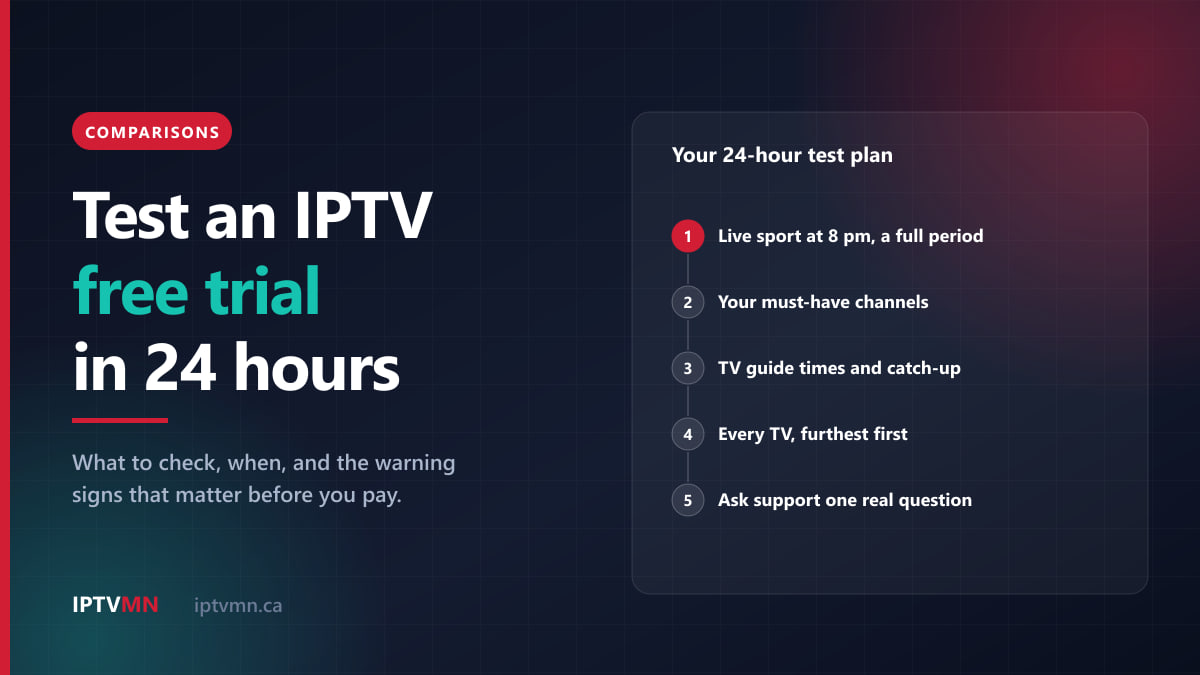
How to Test an IPTV Free Trial: A 24-Hour Checklist for Canadian Homes
How to test an IPTV free trial in Canada in 24 hours: what to check at peak time, on live sports, the TV guide and catch-up, and the warning signs to look for.
Read the guide
Comparisons 14 min read
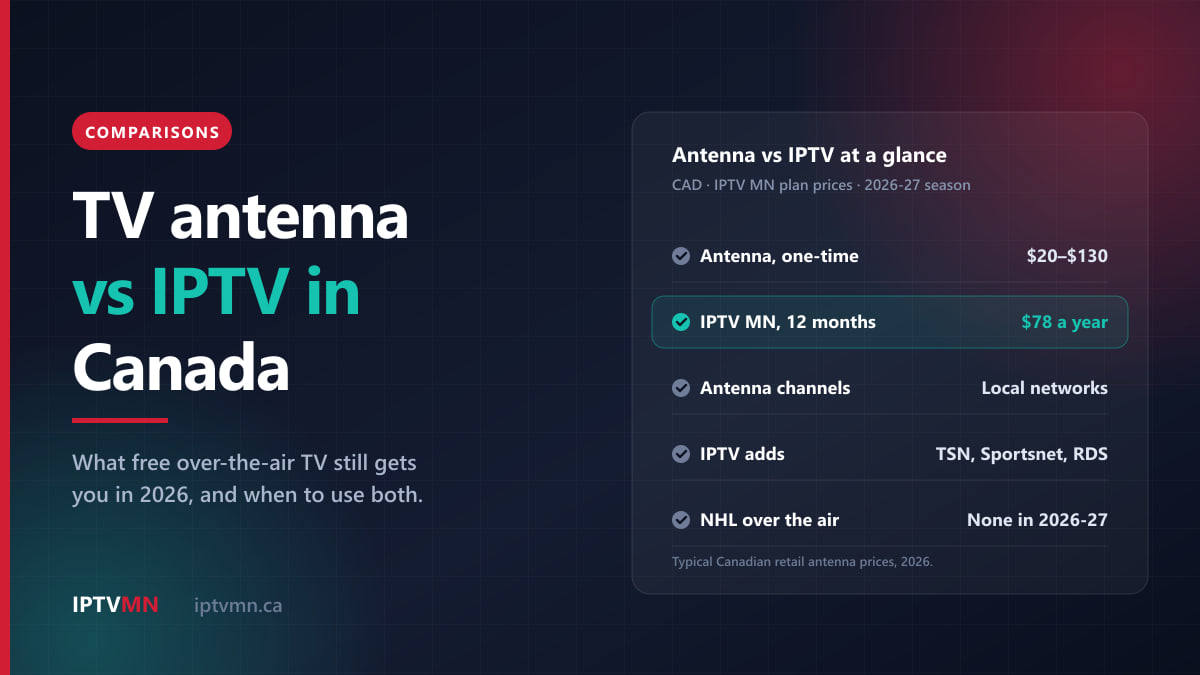
TV Antenna vs IPTV in Canada: What Free Over-the-Air TV Still Gets You in 2026
A TV antenna vs IPTV in Canada: which free channels an antenna picks up, what it costs, why NHL hockey left the airwaves in 2026, and when to use both.
Read the guide
Comparisons 13 min read
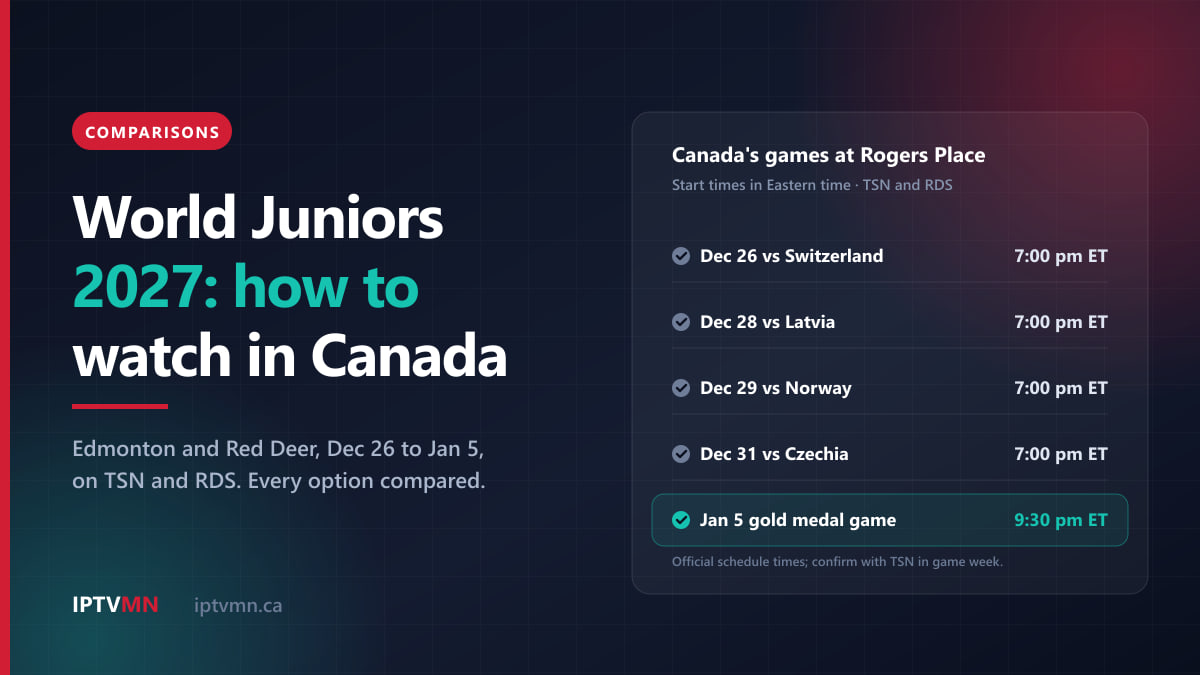
How to Watch the 2027 World Juniors in Canada: Schedule, Start Times and Every Option Compared
Canada's 2027 World Juniors schedule in Edmonton, start times for every province, and every way to watch on TSN, its app, RDS or IPTV, compared on cost.
Read the guide